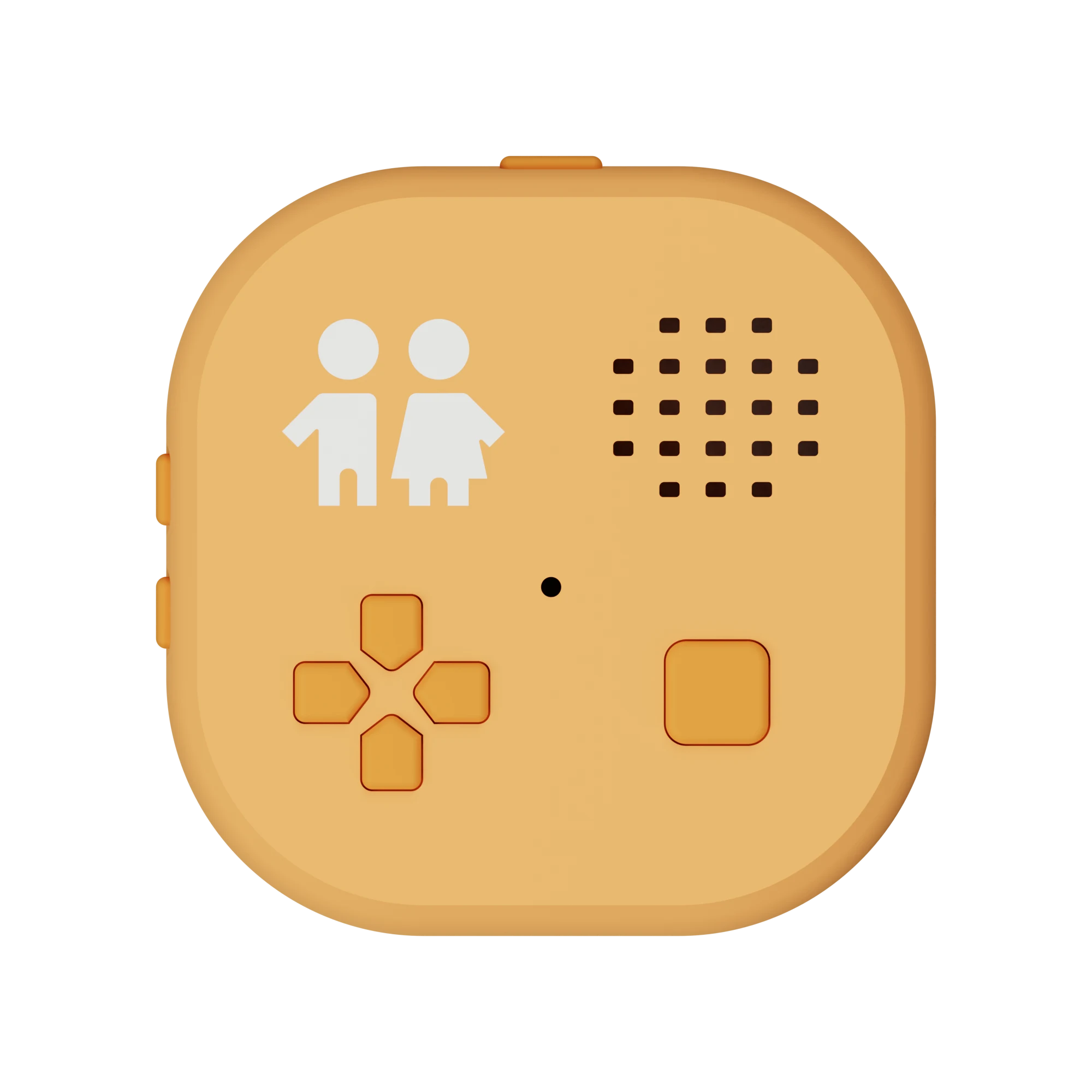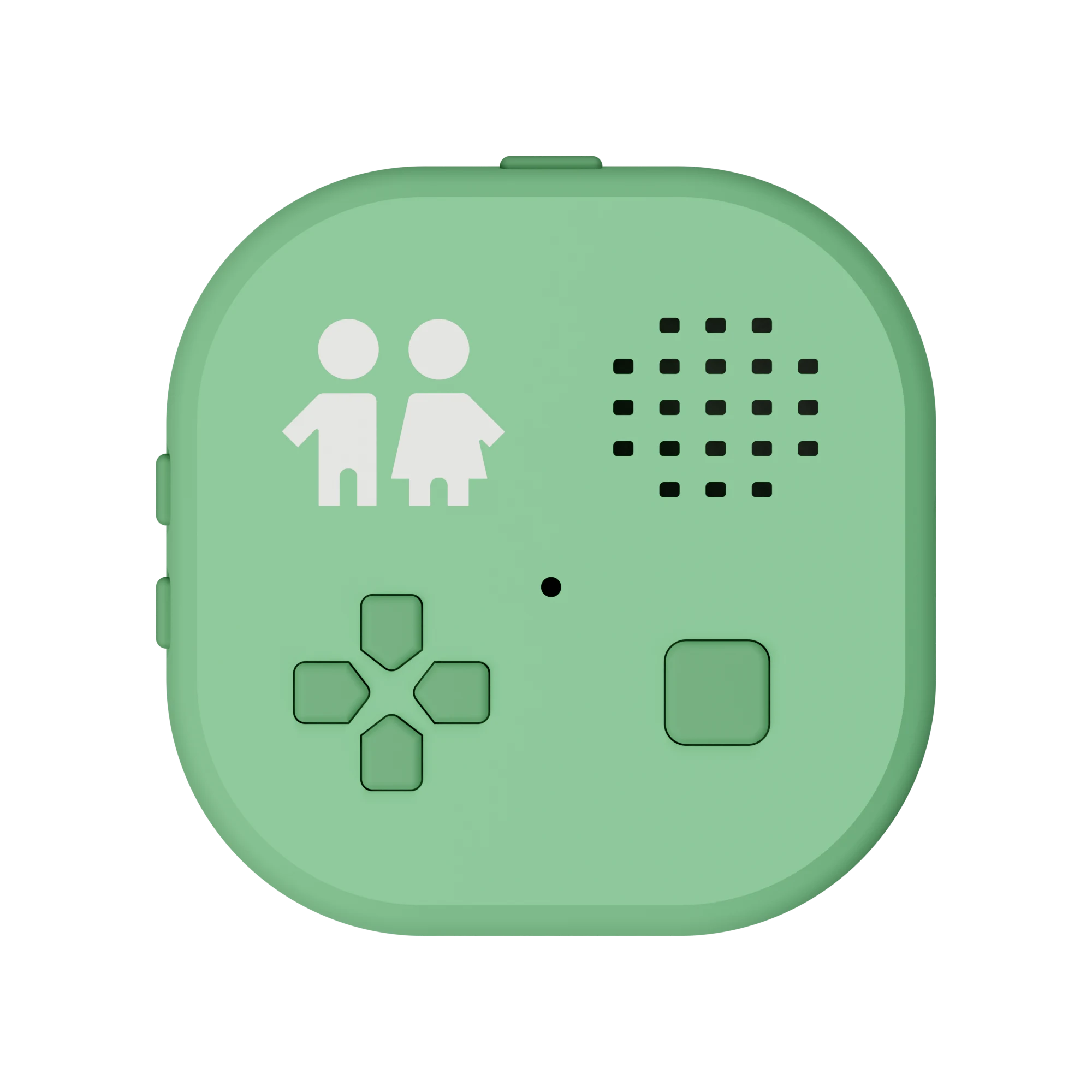
Peko Pal, a screen-free first device for kids, in Meadow greenFour lightsSpeaker & micVolume & powerD-padHold to talkUSB-C
A kid's first device, before the phone

Delay the smartphone.

Call friends · Message Mom · Music, books & podcasts · Learn something new

For ages 3–12

No screen, no feeds, nothing to scroll. Just a little independence, with you deciding who they talk to, what they hear, and whether AI is part of it at all.

Scroll to explore the device
Speaker & mic
Speaker & mic

One speaker for everything they hear

Stories, podcasts, radio, calls, voice messages and Peko's answers all come through the built-in speaker, and the built-in mic lets your child talk back.

Built-in speakerBuilt-in mic
D-pad
D-pad

Every press is spoken back

Up, down, left or right, and the Pal says where you are: an app, a friend, a story. A child who can't read yet can still choose by ear.

4-way navigationSpoken feedback
Hold to talk
Action button

Press to talk. No wake word, no always-on mic.

Nothing listens until your child holds the button, and a steady green light shows the mic is on. A tap plays or pauses.

Push-to-talkTap to pause
Volume & power
Volume & power

A volume ceiling you set

Two side buttons raise and lower the volume. You set the maximum in the parent app, and two quick red flashes tell your child they've reached it.

Safe-listening capHold to sleep
Four lights
LED logo

Four little lights, a whole vocabulary

Amber flashes when a message is waiting, steady green while the mic is on, a slow cyan breath while Peko thinks. Your child can read the Pal at a glance, from across the room, without a sound.

Multicolor LEDs0 screens
USB-C
USB-C charging

Charges over USB-C. Use the cable you already have.

No special charger, no dock. And because stories and podcasts are stored on the device, they play anywhere, Wi-Fi or not.

USB-C chargingOffline storage
The parent app · iOS

Freedom for them. Guardrails from you.

Who they talk to, what's on the Pal, what the AI can do and what pings your phone all live in the Peko Pal app on your iPhone.

9:41Peko Pal
Lily's Peko Pal
Invite Maya

Invite Maya to connect with Lily on Peko Pal.

Choose how to send
Text InviteEmail Invite
Or invite them in person

Scan this code to connect

9:41Peko Pal
Lily's Peko Pal
Contacts
New request
SSamwants to connect
ApproveNot now
GGrandmaFamily
MMayaFriend
DUncle DanFamily

Nobody becomes a friend without your invite.

9:41Peko Pal
Lily's Peko Pal
Friends
GGrandmaApp only
DUncle DanApp only
MMayaPeko Pal
JJonahPeko Pal

Everyone you've approved can reach Lily, with or without a Pal.

9:41Peko Pal
Lily's Peko Pal
Invites
GGrandmaConnected
NNoahPending
DUncle DanConnected

Friends join once they accept your invite.

9:41Peko Pal
Lily's Peko Pal
Manage device
Lily's Peko Pal
Online · 82% battery
Walkie-talkie
Stories
AI chat
Night mode
9:41Peko Pal
Lily's Peko Pal
App store
PopularSee all
Radio
+ Add
Podcasts
+ Add
Glowlight
+ Add
Stories & booksSee all
Bedtime
+ Add
Stories
+ Add
Night mode
Added
9:41Peko Pal
Lily
What Peko Knows
Interests

Dinosaurs, drawing, her little brother Max

City or ZIPAustin, TX
Call Lily by name
Topics to avoid

Scary stories

Kid-safe web search
Remember conversations

Location is only used for things like the weather.

9:41Peko Pal
Lily
Peko AI
Friends
Send and read messages
Call friends
Help add new friends
On the Pal
Open apps & settings
Creations
Make books with Lily

Peko only contacts friends you've approved.

9:41Peko Pal
Lily's Peko Pal
Activity & Usage
This week
MTWTFSS
Saturday52 min
When the Pal was used
7 am12 pm7 pm
9:41Peko Pal
Account
Notifications
Messages
Invite reminders
News & updates

These are for you. They don't change anything on your child's Pal.

Friends you approve

You decide who they talk to

Every contact goes through you, in the app. Nobody becomes a friend without your invite, and you can switch any conversation off whenever you like.

  • Invite a friend by text, email, link or QR code
  • Approve new requests before anything gets through
  • Turn any friend off, and back on, in a tap
  • Only approved friends can reach the Pal
Friends everywhere

Friends don't need a Peko Pal

Grandparents, cousins and the friend next door can reach your child with just the Peko Pal app on their phone. No second device to buy.

  • Family far away can send a voice message from their phone
  • Your child hears who it's from and answers out loud
  • Friends who do have a Pal connect the same way
Built-in app store

You choose what's on their Pal

Browse the Peko app store from your phone and add only what you want. Apps, stories, podcasts and radio land on the Pal, never a feed.

  • Turn any app on or off, any time
  • We keep adding radio stations, stories, podcasts, seasonal apps, lessons and more
  • Stories and podcasts download to the Pal and play without Wi-Fi
AI, on your terms

You set the AI rules

Peko's AI is optional, and every setting is yours: what it knows about your child, what it's allowed to do, and what it should steer away from.

  • Switch AI off entirely, or just parts of it
  • Kid-safe lookups, answered out loud, never a web page
  • Pick topics Peko should gently steer away from
  • Peko only contacts friends you've approved
Peace of mind

See how they use it

A weekly view of when and how long the Pal is used, so you know what a normal day looks like, plus a ping when someone messages your child.

  • Minutes per day, this week at a glance
  • See what time of day it gets used
  • Tap a day to look closer
  • Choose which notifications reach your phone
How it works

Up and running in minutes

1

Unbox & charge

Charge it with the cable you already have. When the logo glows, it's ready.

2

Pair it with your phone

Download the iOS app, pair over Bluetooth, then connect the Pal to your home Wi-Fi (2.4 GHz).

3

Pick the apps

Choose what's on, approve their contacts, and set the AI rules for your child.

4

Hand it over

From here it's theirs. Add and remove apps, stories, and contacts later from your phone.

You'll need an iPhone for the parent app, and 2.4 GHz Wi-Fi, the kind every home router has.

What's on it

Made for the things kids love

New apps, stories and podcasts keep arriving.

Five colors. Pick their favorite.

Find the Pal that feels like theirs

Meadow, Apricot, Butter, Sky and Blush. Tap a swatch to see each one on the Pal.

✓Zero screen time✓No ads, ever✓AI chats you can look back over
Peko Pal in Apricot
Apricot
Questions

Frequently asked questions

Is Peko Pal safe for my child?

Safety is layered, and you control each layer.

  • Approved contacts only. Your child can only talk to friends you approve in the app, and both families approve before anything can be sent. Friends can't be added from the device, and strangers can't send requests.
  • Block and report. If something worries you, report a message or a friend from the app. The Peko Pal team reviews it within 24 hours, and the other family isn't told. You can also block a family so they can't reach any of your children.
  • Age levels. You pick a conversation level for your child (Little, Growing or Big kid, for example) that sets how Peko talks and what it makes. Stories, podcasts and apps in the store are labeled with the ages they suit, and you choose what goes on the Pal.
  • Your AI settings. AI is optional and off until you turn it on. You write the instructions, choose topics for Peko to steer away from, and decide what it's allowed to do. When Peko looks something up online, it uses a kid-safe filter, and your child only hears a short spoken answer, never a web page.
  • Double-checked content. Anything Peko generates goes through automated moderation twice: pictures on the request and on the finished image, books when they're saved and again before they're sent.
  • A mic you can see. There's no wake word and no always-on microphone. Nothing listens until your child holds the button, and a steady green light shows whenever the mic is on.
  • Nothing to scroll. No browser, feeds, ads or social media on the Pal. Your child can't surf the web.
  • You can look back. AI conversations are saved as written transcripts you can read in the app: words only, never audio, kept for 90 days.

Read the full safety and privacy guide.

Who can my child talk to?
Only people you approve. You invite a friend from the app by text, email, link or QR code, the friend's parent accepts, and only then can messages go either way. Either family can withdraw at any time, and you can switch any conversation off. Grandparents and friends without a Pal can join with just the Peko Pal app on an iPhone or iPad. Walkie-talkie is the one exception: it works between nearby Pals with no internet, and any Pal in range on the same channel can hear it.
Do we have to use the AI?
No. The AI is optional and off until you turn it on, and every AI app is labeled so you always know which ones use it. Stories, podcasts, radio, friends and the other apps all work without it. If you turn it on, your child holds the button, asks, and hears the answer out loud. You write the instructions Peko follows, choose topics for it to steer away from, and set a conversation level that fits their age. How the AI works.
Can I see what my child says to the AI?
Yes. Every conversation with Peko is saved as a written transcript you can read in the Peko Pal app: what your child said, what Peko said back and the time of each turn. Only the words are kept, never the audio, and transcripts are deleted automatically after 90 days. Calls and walkie-talkie aren't transcribed. The Activity & Usage view also shows how much, and when, the Pal is used each day.
Where does my child's voice go?
Playback apps like stories and radio never open the microphone. When your child talks to Peko, their voice is streamed live over the internet to a cloud AI service so it can answer, so it isn't processed only on the device and it doesn't work offline. Peko saves only the words. The AI service that answers, OpenAI, may keep the audio for up to 30 days to check for misuse, then deletes it.
Do you sell my data or use it to train AI?
No to both. We don't sell or rent your family's information, we don't show ads, and we don't track you across other companies' apps or websites. We don't use your family's information to train AI models. Your child's voice is processed live by OpenAI so Peko can answer, and we never save the audio. We keep conversation transcripts and activity history for 90 days, and messages, pictures and books until you delete them. You can delete a child's profile or your whole account from the app at any time. Read the privacy policy.
How does my child use it without a screen?
By ear and by touch. A direction pad moves through apps, friends and stories, and the Pal says where you are with every press, so a child who can't read yet can still choose. The big action button plays or pauses, and holding it is push-to-talk. The logo is the one thing to look at: a few soft colors show what's happening, like amber flashing when a message is waiting or steady green while the mic is on.
What ages is it for?

Roughly 3 to 12, from a first bedtime story to the year before a first phone. Peko Pal grows up with your child, because you choose what's on it. A typical path:

  • Little ones (about 3 to 5). Bedtime stories and audio books, toddler printables like coloring pages and mazes, a night light and silly sounds.
  • Growing kids (about 6 to 8). Voice messages and calls with the friends and family you approve, kids' podcasts, internet radio, and interactive books they can ask questions mid-story.
  • Big kids (about 9 to 12). Lessons on any topic, a first AI they can ask real questions, longer books, and printing their own lists and invites.

Nothing is tied to an age. You add and remove apps, stories, podcasts and radio stations whenever it suits, and the conversation level you pick sets how Peko talks and what it makes.

Does it need Wi-Fi?
For some things. Stories and podcasts are downloaded to the Pal, so once they're on it they play anywhere: the car, a plane, Grandma's house. Voice messages, calls, the AI apps and internet radio need a connection. Walkie-talkie talks to nearby Pals directly, with no internet involved.
What do I need to set it up?
An iPhone for the Peko Pal app, and a 2.4 GHz Wi-Fi network (802.11 b/g/n). Almost every home router broadcasts one, including Wi-Fi 6 routers, but a 5 GHz-only network won't work. You pair the Pal over Bluetooth and give it your Wi-Fi password through the app, and you charge it with the USB-C cable you already have. Android isn't supported yet. Setup guide.
How is it different from a phone, a tablet or a Yoto?
A phone or tablet is built around a screen and the open internet. Peko Pal has neither: your child can only reach people you approve, there are no ads, and the AI is optional and follows your rules. Compared with a Yoto, it adds talking with family and friends, and there are no cards to lose. See Peko Pal vs a phone or tablet, vs Yoto and vs Tin Can.
Is there a subscription?
Some apps will require a subscription and some won't. We're still working out which, and we'll share the details soon.
When can I get one?
Peko Pal is coming soon. Join the waitlist and we'll email you when it ships.